Workspace
This is the main field in which drawing and editing objects takes place. In addition the workspace also has the following functions:
-
Right-clicking on an object calls up the
Object card- this is an element containing the necessary controls for changing the label and attributes of the object, as well as the action menu.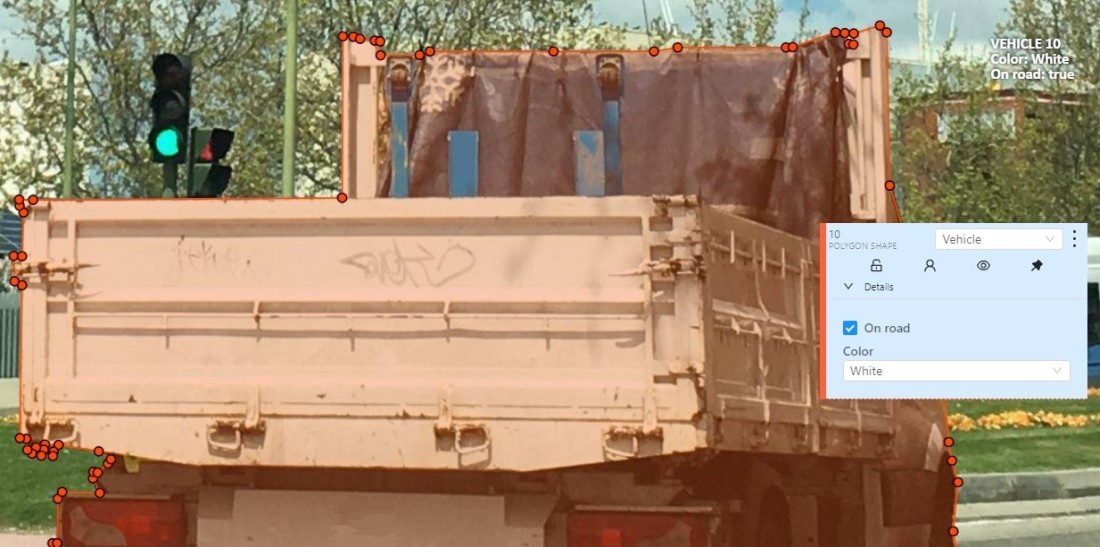
-
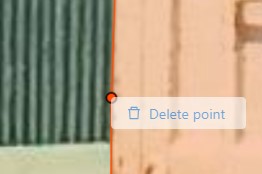
Right-clicking a point deletes it.
-
Z-axis slider- Allows you to switch annotation layers hiding the upper layers (slider is enabled if several z layers are on a frame). This element has a button for adding a new layer. When pressed, a new layer is added and switched to it. You can move objects in layers using the+and-keys.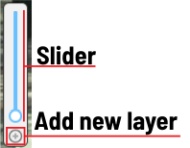
-
Image settings panel- used to set up the grid and set up image brightness contrast saturation.-
Show
Grid, change grid size, choose color and transparency: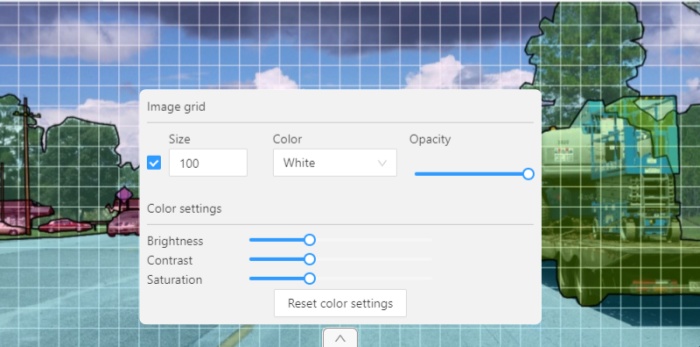
-
Adjust
Brightness/Contrast/Saturationof too exposed or too dark images usingF3— color settings (changes displaying settings and not the image itself).
Shortcuts:
-
Shift+B+=/Shift+B+-for brightness. -
Shift+C+=/Shift+C+-for contrast. -
Shift+S+=/Shift+S+-for saturation.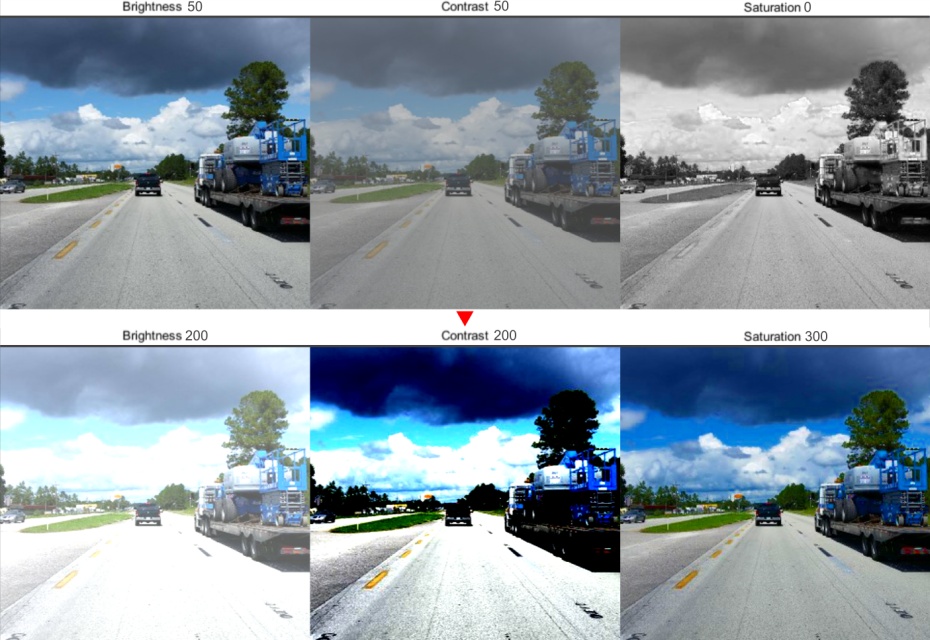
-
Reset color settingsto default values.
-